
Image Compressor
Compress images directly in your browser with no uploads, no tracking, and full control over quality or file size.

As mentioned in my intro post on building small tools, this is the second utility in that series after Word Counter.
This time, it is image compression.
Most image compressors on the web either upload your files to a server, add unnecessary steps, or lock basic features behind signups. I wanted something simpler.
So I built a browser-only Image Compressor.
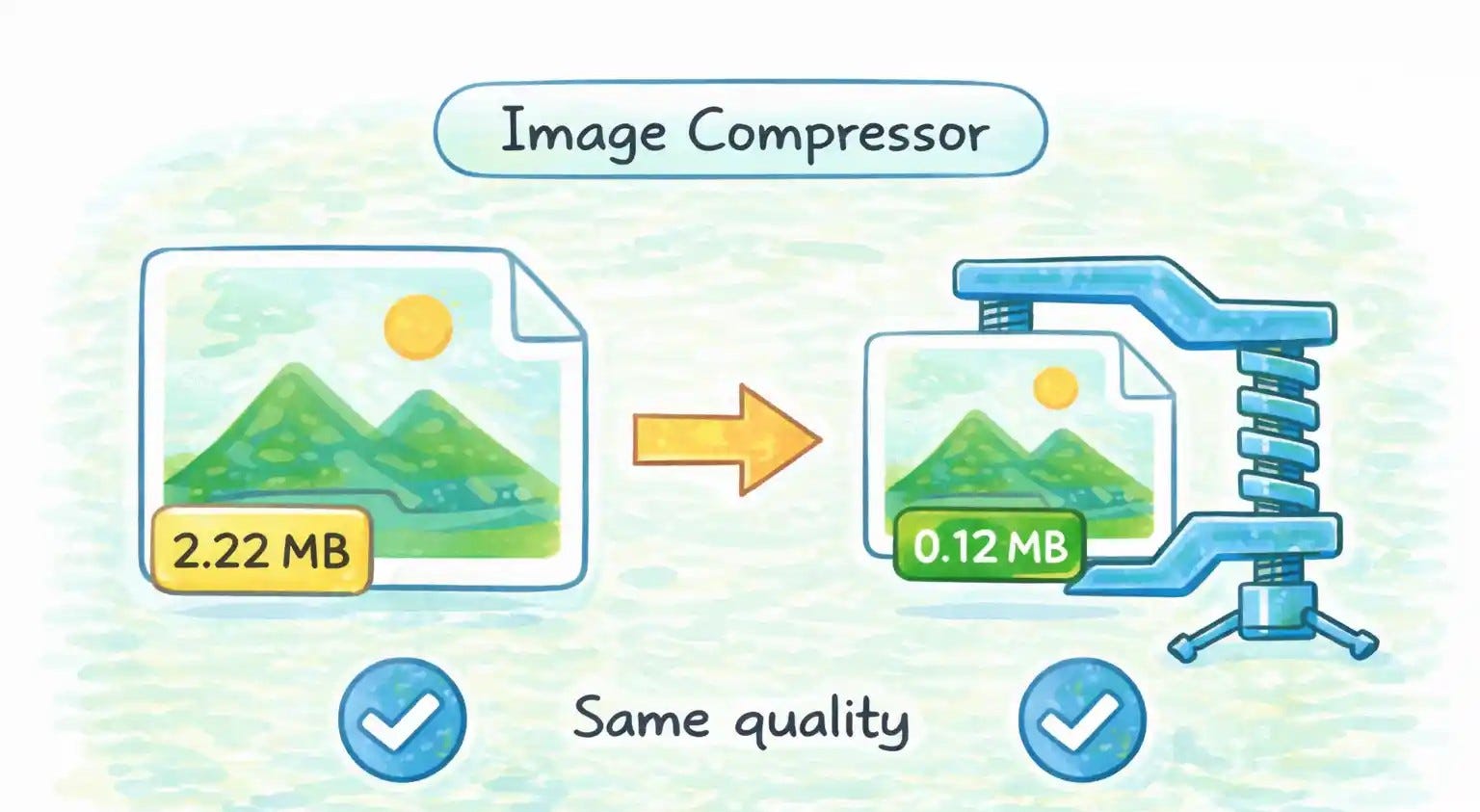
You drop an image, choose the output format (JPEG, PNG, or WebP), and decide how you want to compress it:
by quality, or
by a target file size.
That is it.
No uploads. No accounts. No tracking. Your image never leaves your browser. Everything runs locally using the Canvas API and plain JavaScript .
A few things I intentionally focused on while building this:
One single
index.htmlfileNo build step
No frameworks
No server-side logic
Remembers your last-used options locally
This tool follows the same idea as the Word Counter:
small, boring, useful software.
I am not trying to build a startup here. I am building tools I want to use myself, shipping them quickly, and learning in public as I go.
This is the second tool in that series. More coming soon.
You can try the Image Compressor here
If you are curious about the approach or want to build similar single-file tools, I will keep documenting this experiment as I go.